Export
The Export Tasks allow you to export data.

Export Software Usage Items
The Export Software Usage Items task allows you to export the software usage items data to a .XML file.
- Click Export Software Usage Items in the Advanced Tasks list. The Export Software Usage Items window is displayed.
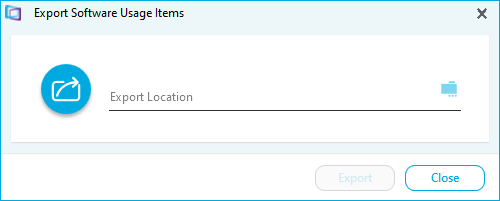
- Click the folder icon.
- Navigate to where you want to save the file.
- Name the export file and click Save.
- Click Export. A confirmation message is displayed.
- Click Close. The data has now been exported.
Export Data
The Export Data task allows you to export the data to a .CSV file.
- Click Export in the tasks list
- Click Export Data
- Navigate to where you want to save the file.
- Name the export file and click Save. The data has now been exported.