Devices
The devices tab contains a list of devices that have been added to License Manager. This includes devices that are live or have been archived. By default, only live devices are displayed.
Devices are considered live if they were included in the import files for the most recent data import. If they are not included in the latest data import, they are marked for archiving. The device will then be archived after a number of days, according to your archiving setting. Your archiving setting is set in the data management settings, using the Application Settings task. Please note; devices that are only discovered by a software metering tool will also be marked for archiving
The purpose of the device workspace is to ensure that each device in your organization is accounted for. This includes:
- Ensuring each device is located in the correct business unit and location
- Ensuring the hardware and software details of each device is classified correctly
This helps to ensure that the appropriate licenses are allocated for the software installed on each device. Additional tasks are available to manage the data in this tab.
The devices in the list are all currently mapped to the selected business unit.
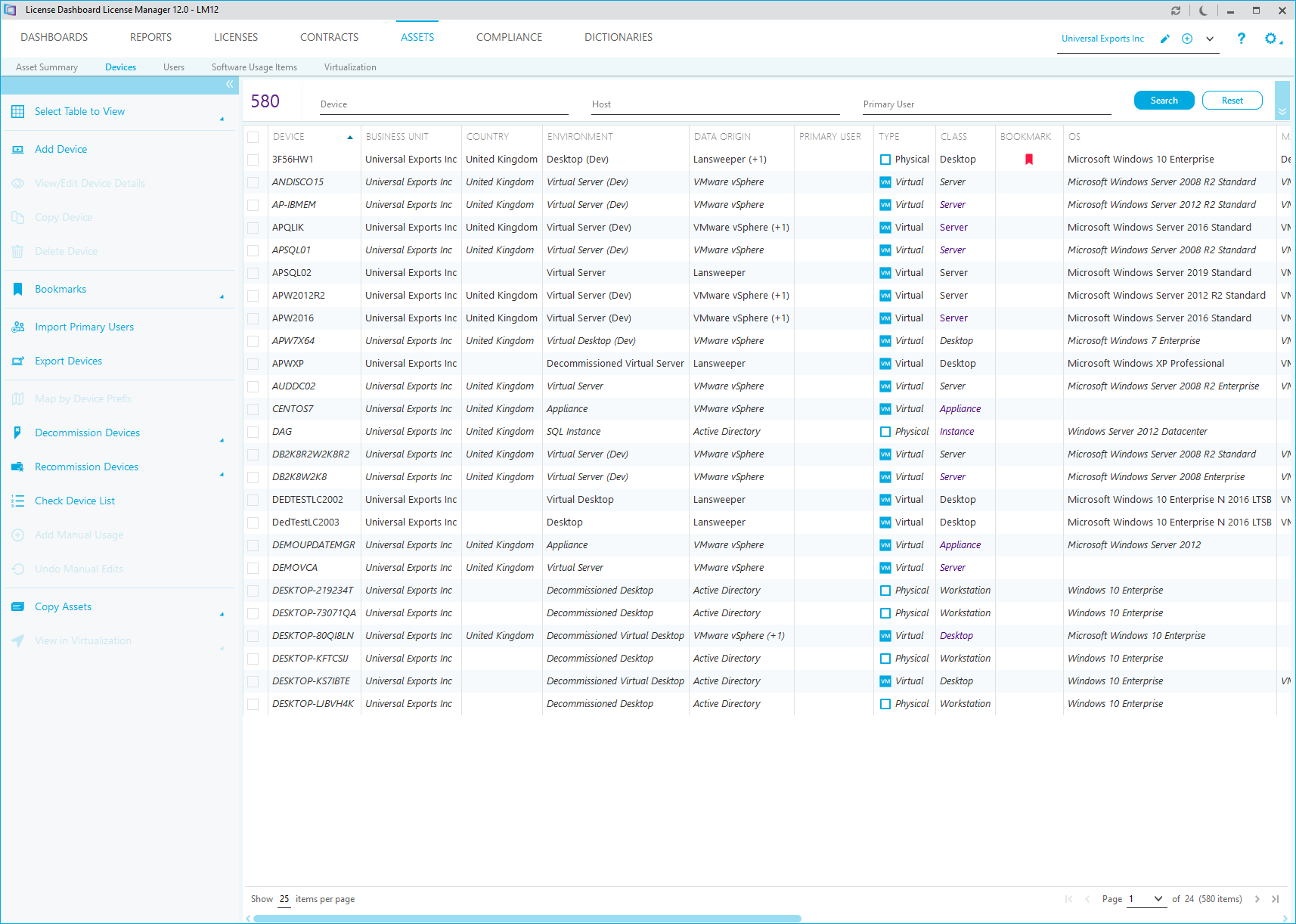
Each device is displayed with an image to identify the type of device
The list can be searched and filtered.
Searches and filters are cumulative. When you search or filter, you can perform a second one without clearing the results to narrow down your results. Click the Reset button to cancel all the current searches and filters and start again.
Search
To search, type in the text fields and click Search to display the results. The list can be searched by the following fields.
- The Device name.
- The Host server for the device.
- The Primary User of the device.
Filters
- Tick a filtering box or select options from the drop down lists. The asset count is updated.
- Click Search.
You may filter using the following fields.
- The Bookmark tick box shows only devices that have a bookmark.
- The Has Installs tick box shows only devices that have software installed.
- The Managed tick box shows only devices that are marked as managed.
- The Archive Status field allows you to display live, archived or all devices that have been added to the workspace
Complex filters can be selected to define the data you want to show:
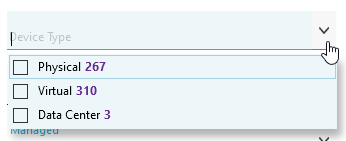
Tick each option you want to include in the filter and click OK.
You may filter using the following fields:
- The Country where the device is held.
- The Location Site where the device is held.
- The Environment that the device operates on.
- The Device Type assigned to the device records.
- The Device Class assigned to the device record.
- The Platform Type assigned to the device record.