View/Edit Software Usage
The View/Edit Software Usage task allows you to edit the software usage items before they are committed to the compliance workspace.
Select a Software Usage Item and click View / Edit Software Usage in the tasks list. The View/Edit Software Usage Item window is displayed. The details are displayed in two tabs:
Software Usage
The software usage tab shows the product information and install information of the software usage item. It also allows you to bookmark the item to use with the bookmarked filter in the Software Usage Items list.
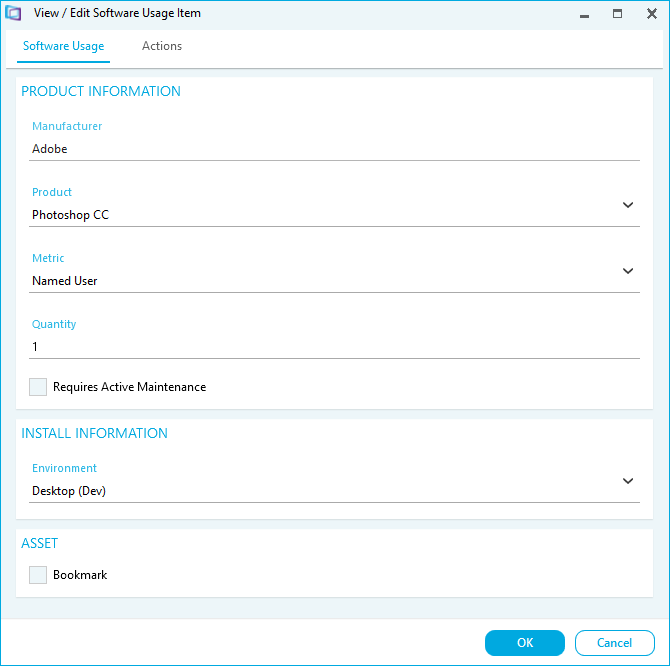
Edit the Software Usage Details as required.
Actions
The Actions tab allows you to add actions to the Software Usage Item. For example you may want to recommend the upgrading or removal of a software product installed on a device. Use the Action Tracking Report to identify and track the progress of all actions. The action is also updated when changes are identified in future software usage data imports.
Click Actions to view any actions that have been assigned to the item:
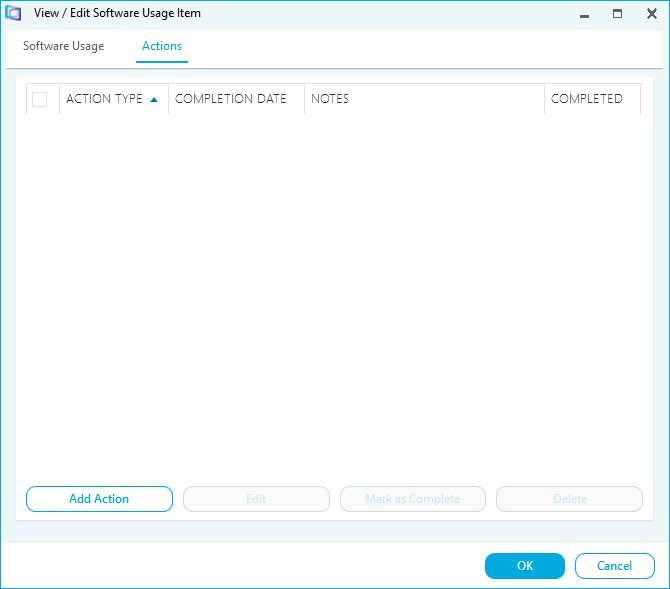
- Click Add Action to add an action to the software usage item:
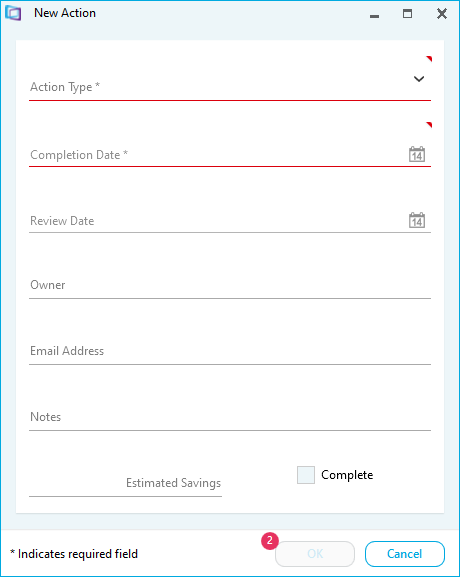
- Select the Action Type
- Select a Completion Date. This is used to trigger an alert in the dashboard to notify you when an open action is close to its completion date.
- Input any further relevant details
- Click OK
- Select an action and click Edit to edit it
- Select an action and click Mark as Complete to mark the action as complete
- Select an action and click Delete to delete it
Note: Action Types are defined in the Action Types dictionary.