Dashboards
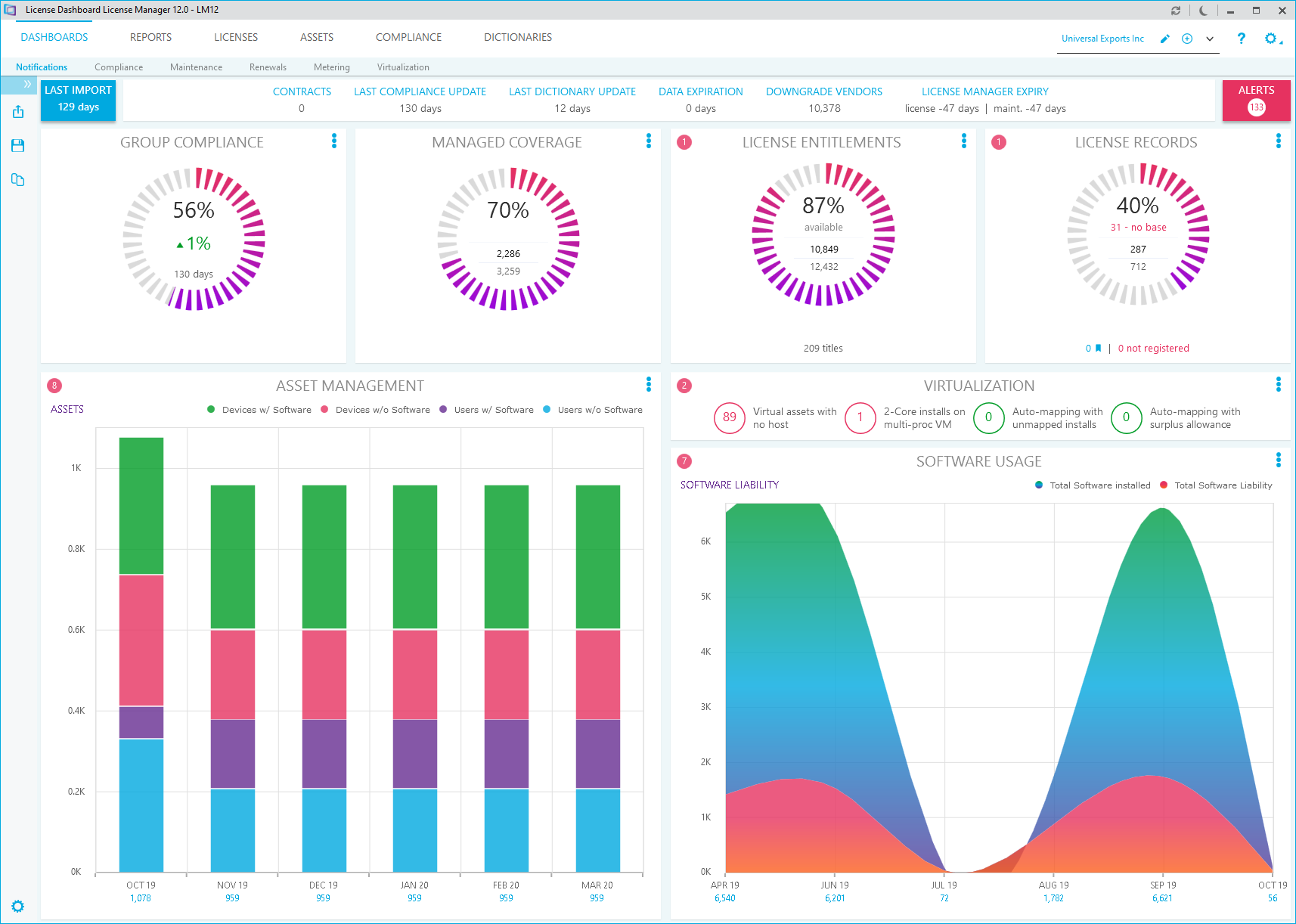
The dashboards workspace contains a series of dashboards representing the data in the License Manager database. Click Dashboards in the workspace navigation pane to open the dashboards workspace.
When you navigate away from the dashboards workspace, it remembers its state. When you return, it will display the same dashboards information as before, unless another business unit has been selected.
Types of Dashboard
The dashboards workspace can display six different dashboards.
- Notifications contains a summary of the organization's license data and recent activity in License Manager.
- Compliance contains a series of charts representing your organization's compliance status.
- Maintenance shows a timeline for upcoming maintenance license renewals.
- Renewals shows a summary of upcoming maintenance license renewals over the next 12 months.
- Metering shows the usage of products in your organization.
- Virtualization shows the structure of the virtualization environment for the organization.
Each dashboard contains different graphical representations of the data held in the License Manager database.