Move License
The Move License task allows you to move licenses between Business Units. You cannot move a license if it is registered or used as a Base License for an Upgrade or Maintenance license. Please refer to the View License Details, Unallocate Base License and Unregister License pages for further guidance.
- Select the license you want to move.
- Click Move License in the Tasks List.
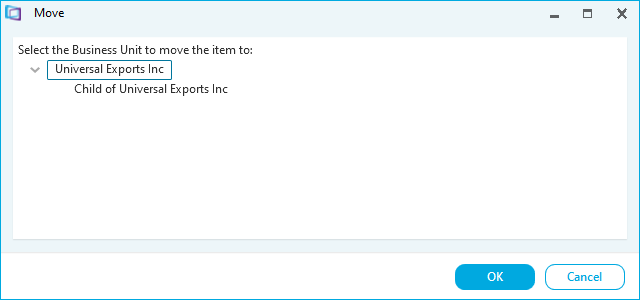
- Select the Business Unit to move the license to.
- Click OK. A confirmation message appears.
- Click OK. The license has been moved. It is now shown in the License Records workspace for the other Business Unit.