Unregister Licenses
The Unregister License task allows you to unregister licenses.
- Select the Licenses to unregister.
- Click Unregister Licenses in the Tasks list. The Unregister Licenses window is displayed.
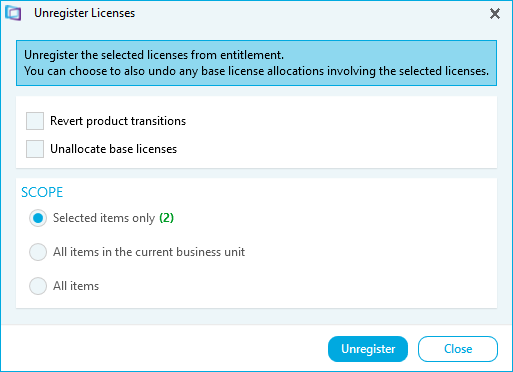
- Select the Options.
- Tick Revert product transitions to revert any licenses that have been transitioned, back to their original license specification.
- Tick Unallocate base licenses to unallocate base licenses from Upgrades.
- Select the Scope.
- Select Selected items only to unregister selected licenses.
- Select All items in the current business unit to unregister licenses in the business unit you are viewing.
- Select All items to unregister licenses in all business units.
- Click Unregister. A confirmation message is displayed.
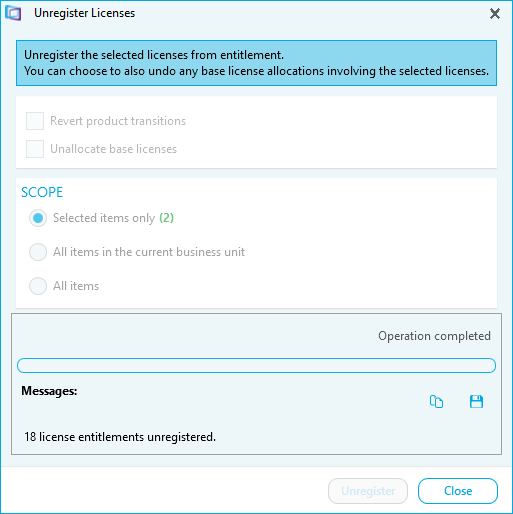
- Click Close.