Reports
License Manager comes with a number of pre-defined reports. The parameters for each report are fixed, but the results can be filtered and re-ordered.
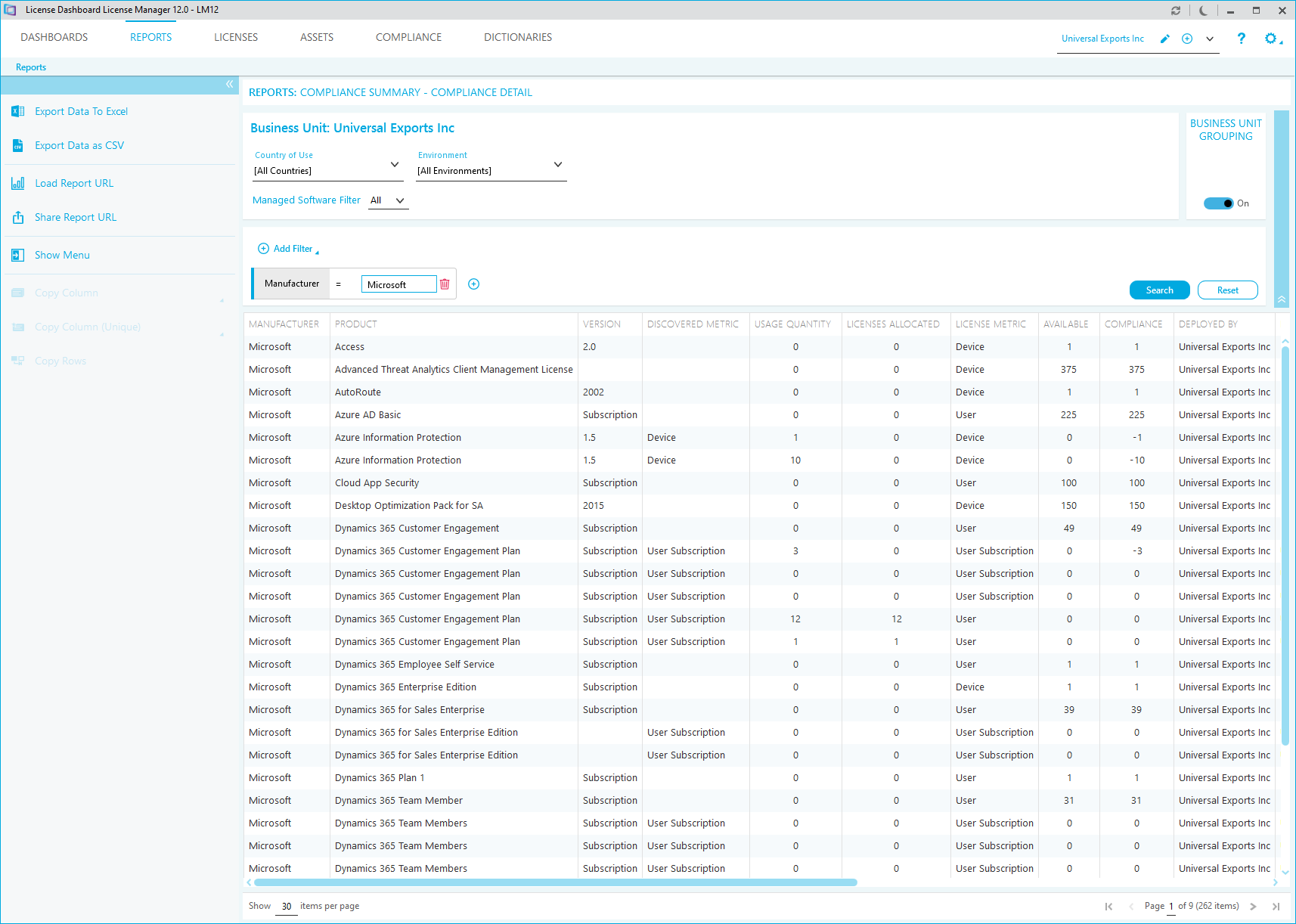
Click Show Menu in the tasks list to show the full list of available reports.
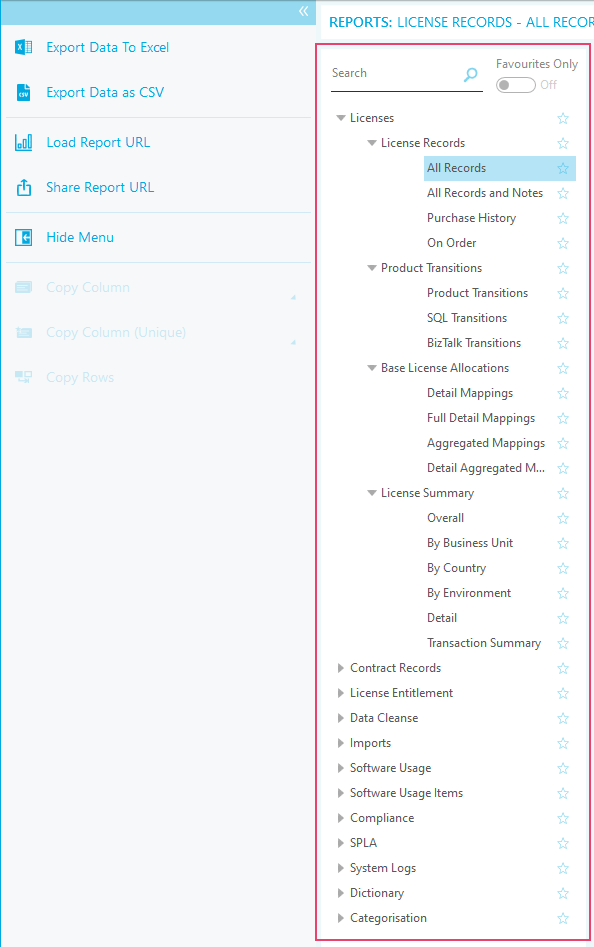
- Click a category name to expand or collapse the menu.
- Click on a Report to view it in the main window of License Manager.
- Click on the star icon to mark the report as a favorite. Click the star icon again to remove the favorite mark.
- Click Favorites Only to show only the reports marked as favorite.
- Use the Search field to search for a report by name.
The reports are split into categories. Some of the categories are also split into sub categories.
Reports can contain a dataset that is too wide to fit within the License Manager window. Use the scroll bars to view data that is not visible. You can also adjust the width of the columns by clicking and dragging the heading dividers.